










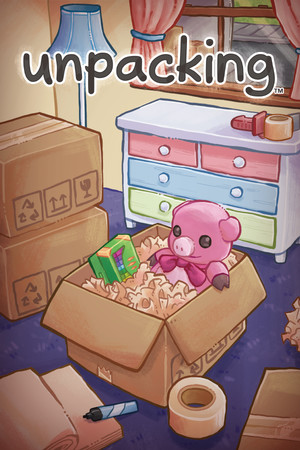














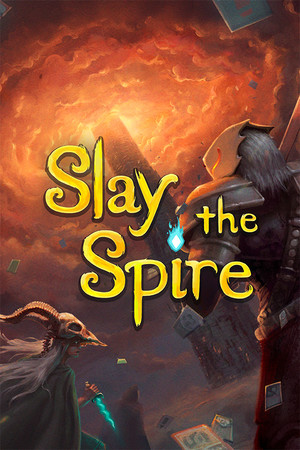





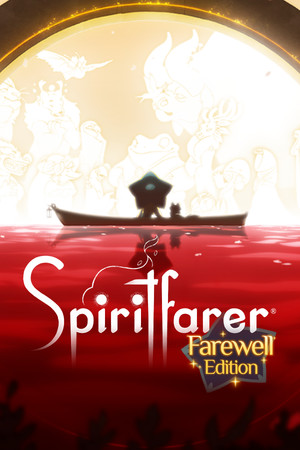



On your Home Screen.
Your pick, your streak and the session you left running, without opening the app. On iPhone and Android.
01How it picks
Turn the disc to the time you have. Every game sits around the ring at the length of a typical session: the ones that fit light up, your mood decides which of those glow, and the best one lands in the middle.
Best match BalatroRoguelike deckbuilder
02Sessions
Picking takes ten seconds. The rest of the session happens on your phone, and it barely asks for your attention.
Not a list of forty. One pick from your own library, with the reasons it fits right now: your mood, your time, the games you’re partway through.
The timer lives in the Dynamic Island and on the Lock Screen on iPhone, and in a live notification on Android. Pause for dinner, pick it back up after.
End the session and tap a feeling, with a line of notes if you like. Ten seconds, and your journal writes itself.
Check in on the days you play and watch the streak climb. Every session adds to your hours, your moods and your stats.
Every month and every year, a short story of what you played, for how long and how it felt. Made to share.
From the catalogue
03Your year
Every session lands on your calendar in the mood you played it. Drag through the year and watch your Wrap add itself up.
Jan 1 to Dec 31, sample year
279hours
Most played so far
Helldivers 2
39 h
Mood mix
Drag across the year
04More
The small things around the picks: a widget on your Home Screen, a second opinion when you can’t decide, and a community that stays out of your way.
Your pick, your streak and the session you left running, without opening the app. On iPhone and Android.
Can’t decide? Say how you feel and get one game from your library, with the reason.
It asks before sending anything, and never sends your name or messages.
What people feel like playing right now, squads for later, takes after a session.
Report and block are always one tap away.
Your profile stays private unless you make it public. Nothing is sold, and you can delete your account and everything in it from Settings.
Free on iPhone and Android
Pick a mood, get one game, press start. LoadMood remembers the rest.
Scan with your phone’s camera. It opens the right store.